Summary / Summary
SIM Dispatcher does not start from the XENBIT Launcher
Steps to Reproduce / Steps to Reproduce
- Start session online
- Go to XENBIT Launcher
- Select “SIM Dispatcher 4” or “SIM Dispatcher 4 (Stage)”
- Click “Start”
Expected Behavior / Expected Behavior
SIM Dispatcher starts the session
Actual Behavior / Actual Behavior
A loading indicator is displayed (at the mouse cursor), the loading indicator disappears, nothing happens.
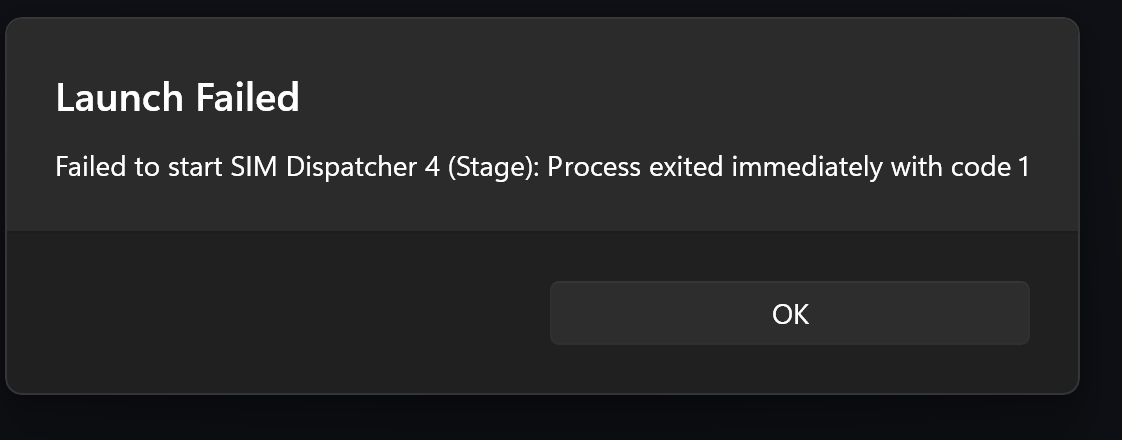
When attempting to start the stage version, the following error message appeared once:
Impact on Usage / Impact on Usage
Minor: Small / cosmetic impact. / Small / cosmetic impact.
Moderate: It disrupts some workflows. / It disrupts some workflows.
Critical: I can’t use the platform at all. / The platform is not usable.