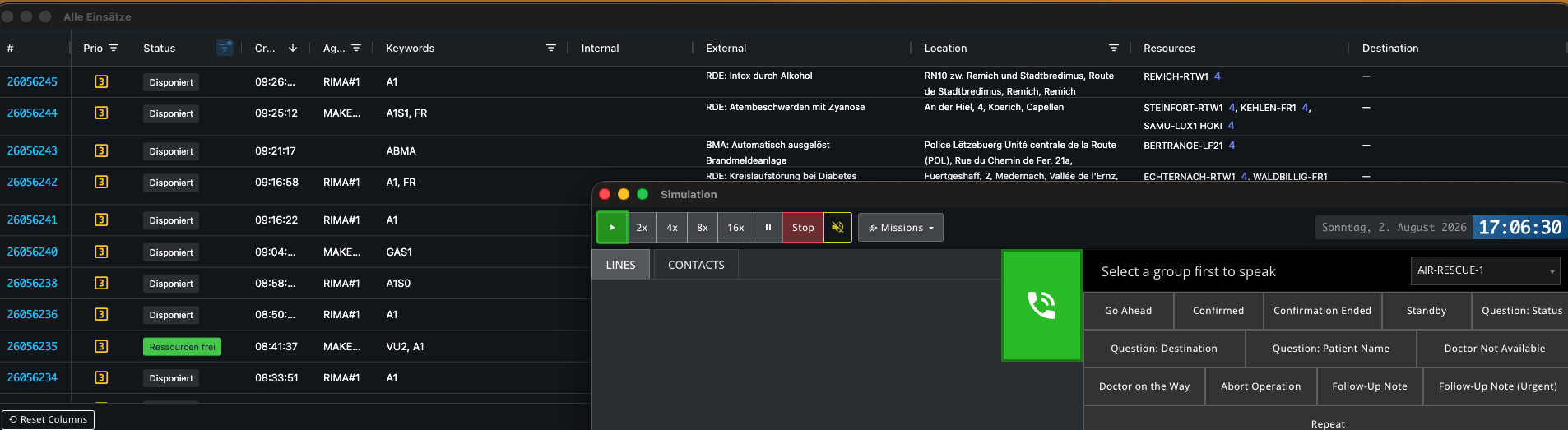
This bug report is identical to In-game-Zeit wird nicht gespeichert nach pausieren & beenden der SIM, but since this topic: https://forums.sim-dispatcher.com/t/wenn-ich-eine-sitzung-kurz-verlasse-und-sie-dann-wieder-offne-und-das-spiel-entpausiere-bekomme-ich-auf-einmal-einsatze-so-schnell-genriert-als-wurde-das-spiel-auf-16x-laufen/5834 was deleted, this bug is currently not being worked on.
As far as I can recall from the deleted thread, this is also a confirmed bug and session data should be deleted after a certain period of inactivity, but not already after just a few hours.
Summary / Summary
After re-entering a session after some time, the session is deleted.
Steps to Reproduce / Steps to Reproduce
- Start simulation
- Play for some time
- Pause simulation
- Leave session
- Wait some time
- Join session
- Resume simulation
Expected Behavior / Expected Behavior
The simulation resumes at the point where it was paused
Actual Behavior / Actual Behavior
The simulation is completely lost and the current RL time is shown as the time point
Impact on Usage / Impact on Usage
Minor: Small / cosmetic impact. / Small / cosmetic impact.
Moderate: It disrupts some workflows. / Disrupts some workflows.
Critical: I can’t use the platform at all. / The platform is not usable.