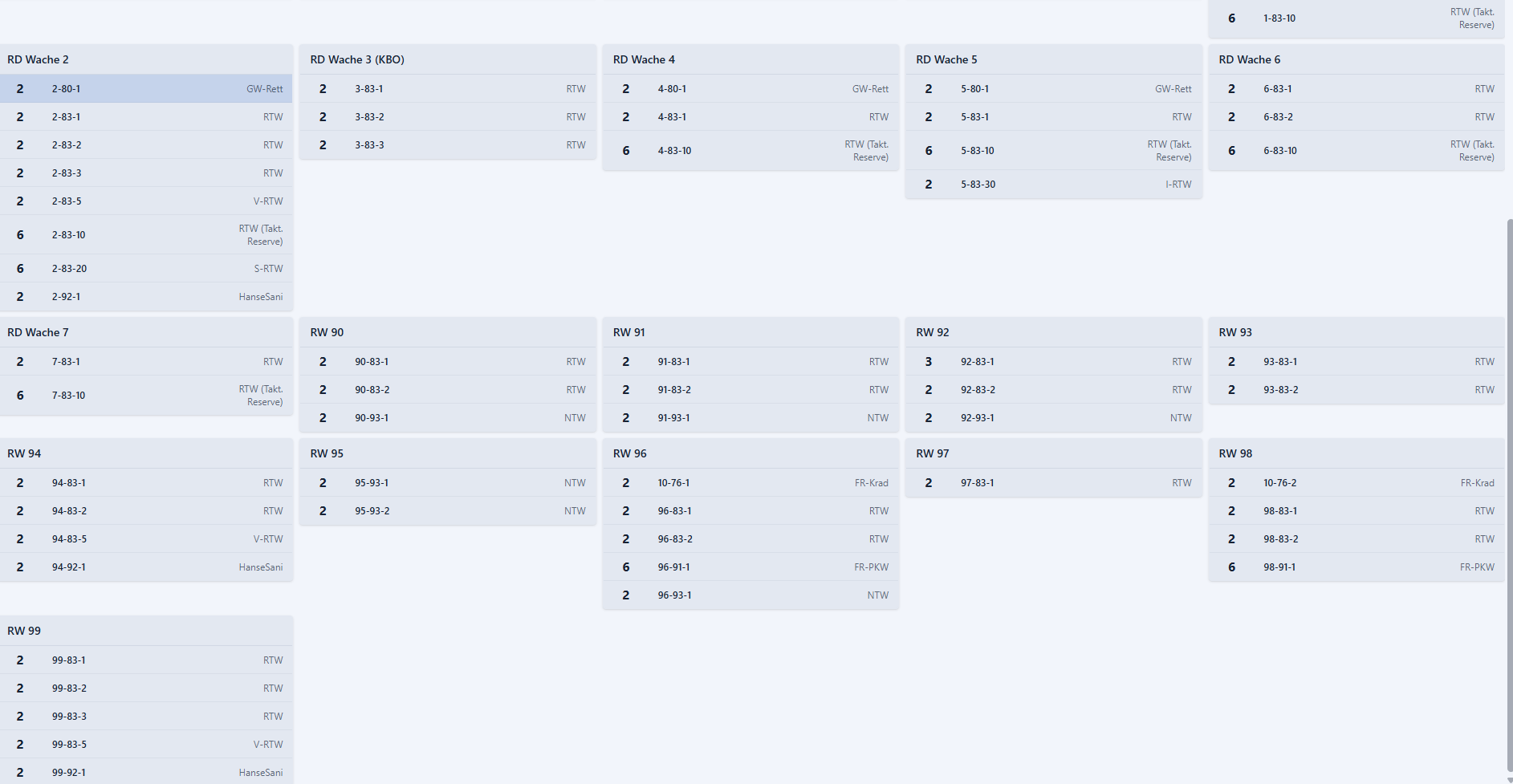
In the Status Overview window, vehicles are only displayed in gray and not in the status colors that were entered. Additionally, it is not shown when a vehicle has been selected for a vehicle. (The dashed line)
Steps to Reproduce / Schritte zur Reproduktion
Start session, open Status Overview → Everything is gray
Go to ‘…’ / Gehe zu ‘…’
Click on ‘…’ / Klicke auf ‘…’
Scroll down to ‘…’ / Scrolle nach unten zu ‘…’
See error / Fehler sichtbar
Expected Behavior / Erwartetes Verhalten
The vehicles are displayed with the corresponding colors and when a vehicle is added, it is also shown in the Status Overview.
Actual Behavior / Tatsächliches Verhalten
Everything is gray and nothing is displayed except for the bell. Only the status changes.
Impact on Usage / Auswirkung auf die Nutzung
Visual issue but also affects clarity.
Minor: Small / cosmetic impact. / Kleiner / kosmetischer Einfluss.
x Moderate: It disrupts some workflows. / Beeinträchtigt einige Arbeitsabläufe.
Critical: I can’t use the platform at all. / Die Plattform ist nicht nutzbar.
Status overview shows vehicles only in gray, no status colors [SIMD4-688]
The team is reviewing the issue based on provided information and will prioritize it next. Das Team prüft das Problem anhand der Angaben und wird es anschließend priorisieren.
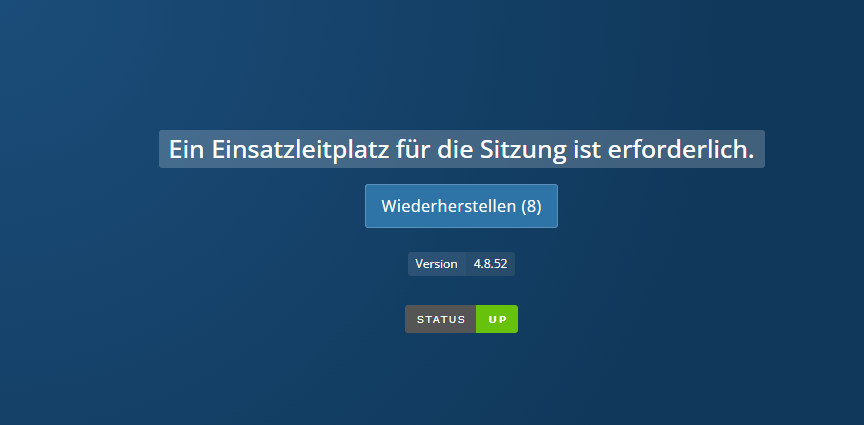
This is also the only window that doesn’t look like this (see image) when leaving the session but remains “normal”, so the vehicles continue to be displayed there and so on
We need more information to investigate this issue. Please provide clear steps, expected vs. actual behavior, and any technical details you can. We need more information to investigate this issue. Please provide clear steps, expected vs. actual behavior, and any technical details you can.
 The team is reviewing the issue based on provided information and will prioritize it next.
 Das Team prüft das Problem anhand der Angaben und wird es anschließend priorisieren.